 Buy parts
 View Catalog
 Partner Resources

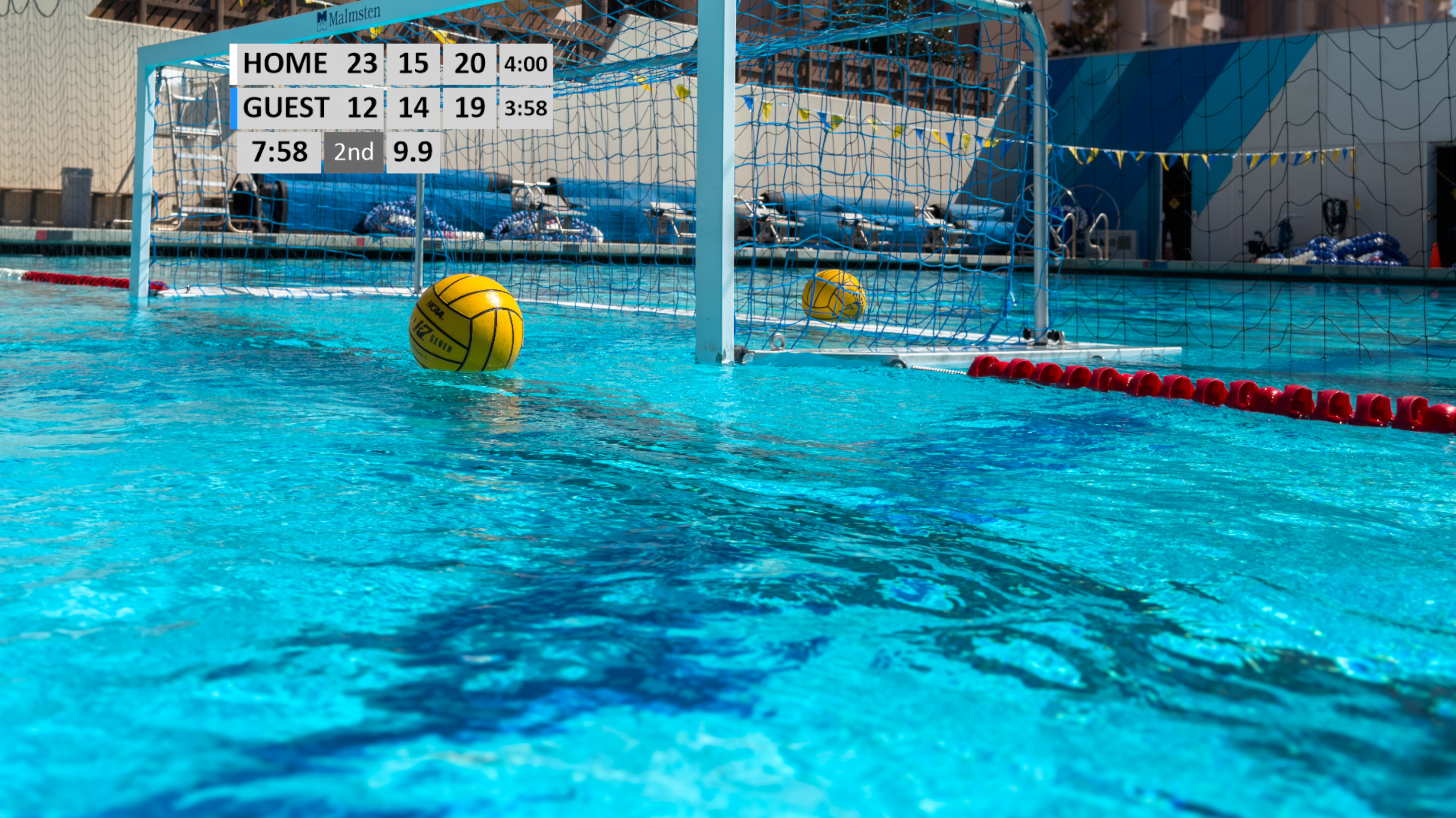
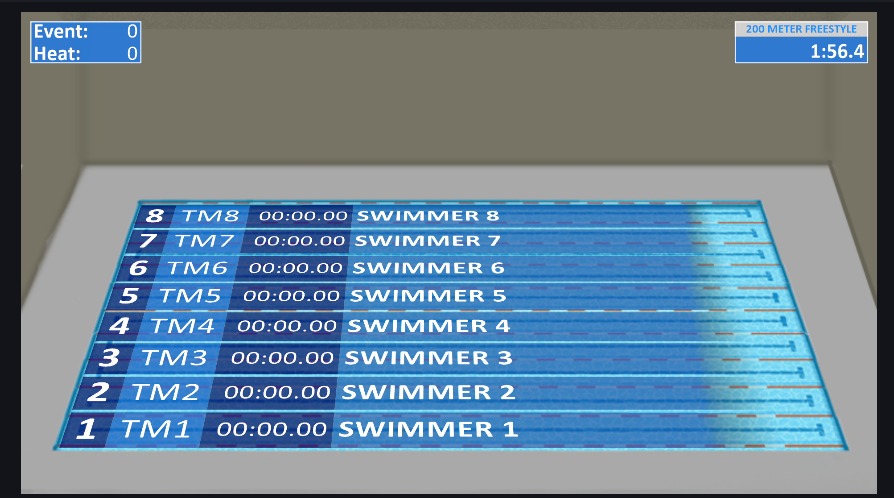
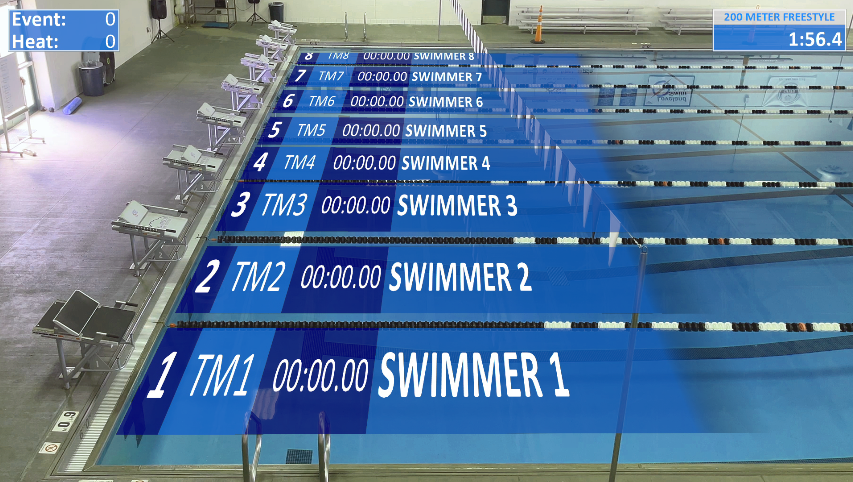
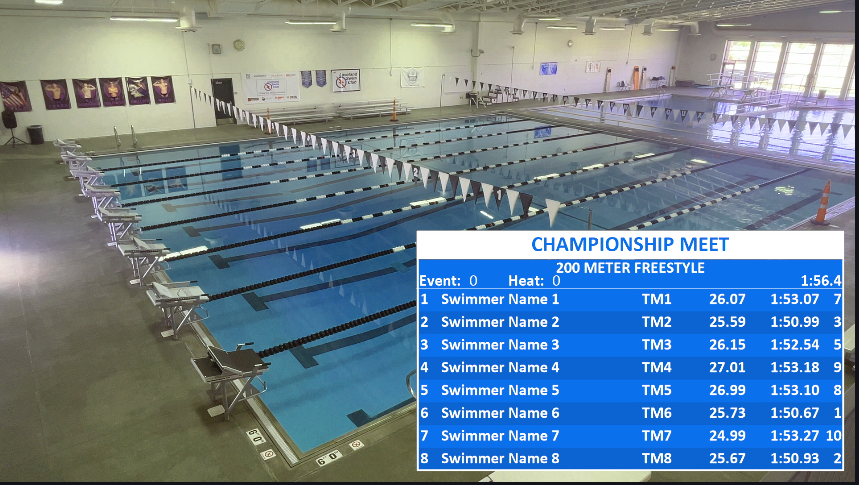
Turn Your Live Stream Into a Professional Broadcast
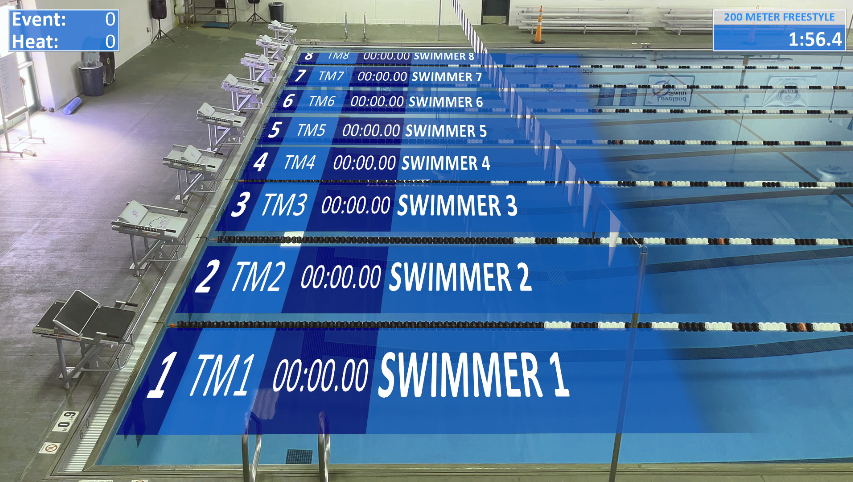
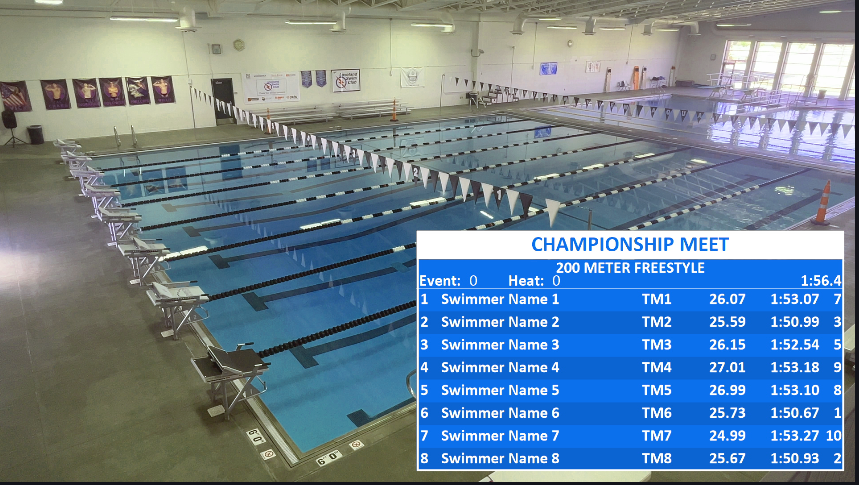
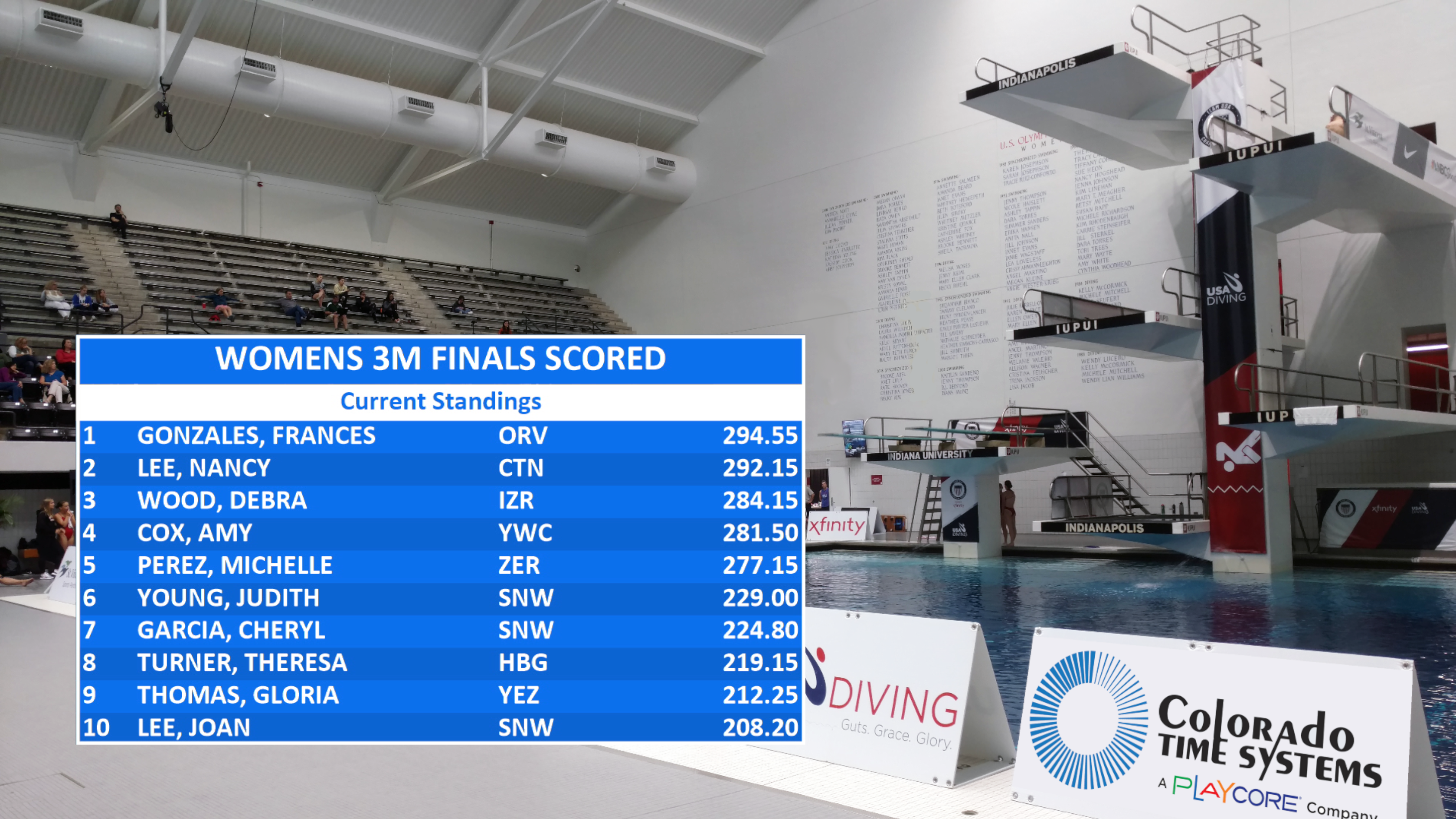
CTS AquaSync™ transforms your aquatic events into a broadcast-quality viewing experience by synchronizing official timing and scoring data directly onto your live video stream—automatically and in real time.
No manual entry.
No delays.
Just clean, accurate, professional graphics powered by your CTS system.
Why CTS AquaSync™ Stands Apart
Unlike generic overlay tools, AquaSync™ is built from the ground up to work inside the CTS ecosystem—not around it.
True Data Synchronization
- Direct integration with CTS timing and scoring systems
- Official results displayed instantly
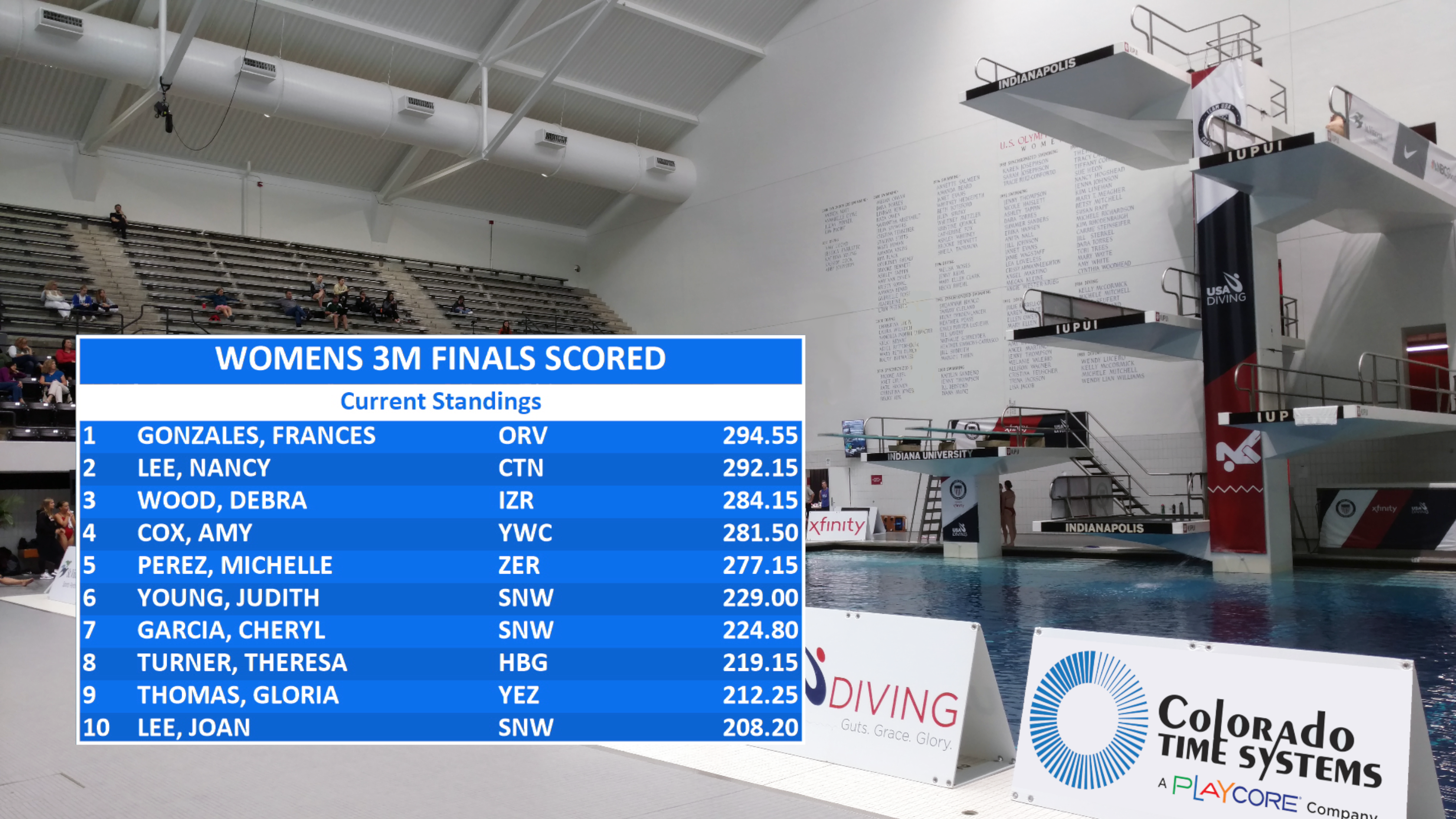
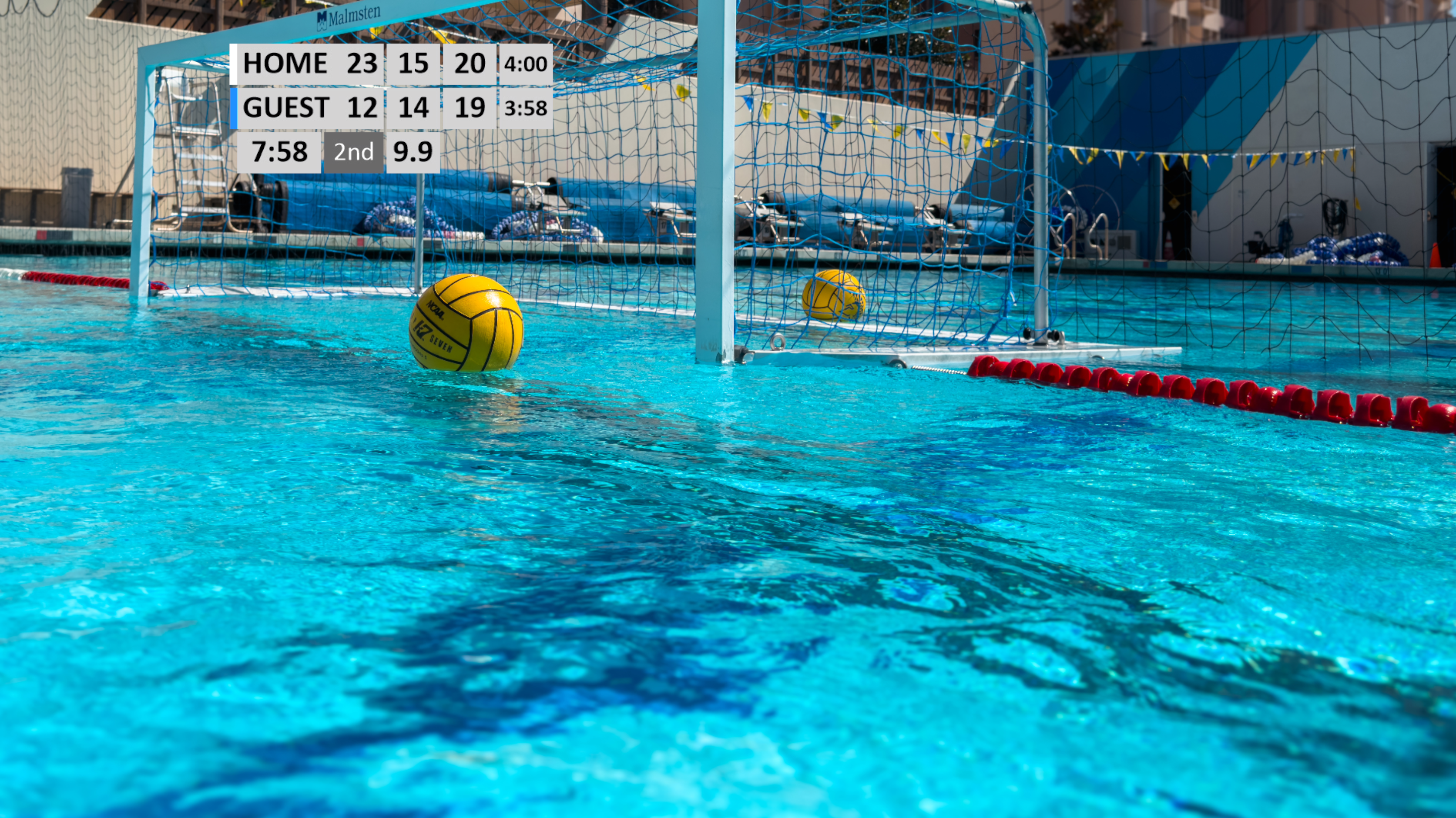
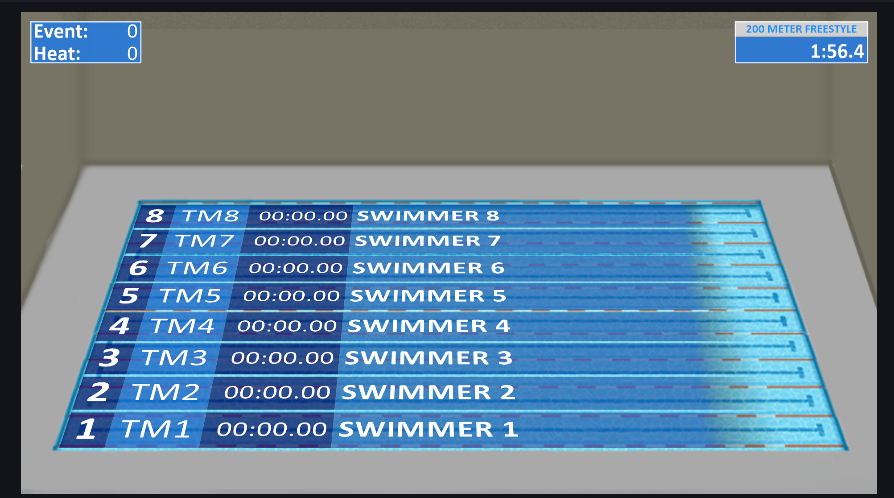
Supports competitive swimming meets, diving events and water polo matches seamlessly.
- Sport-specific graphics and layouts
- Built for real competition environments—not generic streaming
Hands-Off Operation
- Set it once and let it run
- Automatic updates throughout the event
- Built-in tutorials for quick setup
Streaming Software Compatibility
- OBS (free and widely used)
- vMix (professional streaming platform)
- Any NDI®-enabled system
Industry-Standard Output
- NDI® protocol for broadcast-quality video over network
- Works with any streaming platform that supports NDI® input
CTS System Compatibility
- Gen7 Swimming & Diving
- System 6 Swimming & Diving
- Water Polo (System 6 & WTTC)

Specifications
System Requirements
- DisplayLink Plus (for existing CTS Videoboard customers) or DisplayLink Plus Lite (for customers without a CTS Videoboard - included with the AquaSync™ installer)
- Windows 11
- Multi-core CPU (Intel i5 / AMD Ryzen 5 or greater)
- 8 GB RAM minimum (higher recommended)
- 150 MB available storage (SSD recommended)
Support for AquaSync - Overlay Graphics for Live Streaming
If you don’t find the support you’re looking for here, visit our support page or contact our support team for a specific request.